NEW COMPUTER CONFIGURATION

Computer Setup Service for New Desktops & Laptops

Computer setup service from Profix Squad helps get new Windows desktops and laptops ready for everyday use. Depending on the device and your needs, setup can cover initial Windows configuration, user accounts, email, updates, compatible security software, legitimate applications, selective removal of unwanted preinstalled programs, and basic system or startup settings. Professional help can make account choices, update requirements, and bundled software easier to handle without overlooking an important setting. The goal is a computer prepared for the tasks you need. Tell us about the device and the setup help you want to request assistance or check in-home availability.

  • Windows, accounts, email, and updates
  • Security and application configuration
  • In-home visits subject to local availability
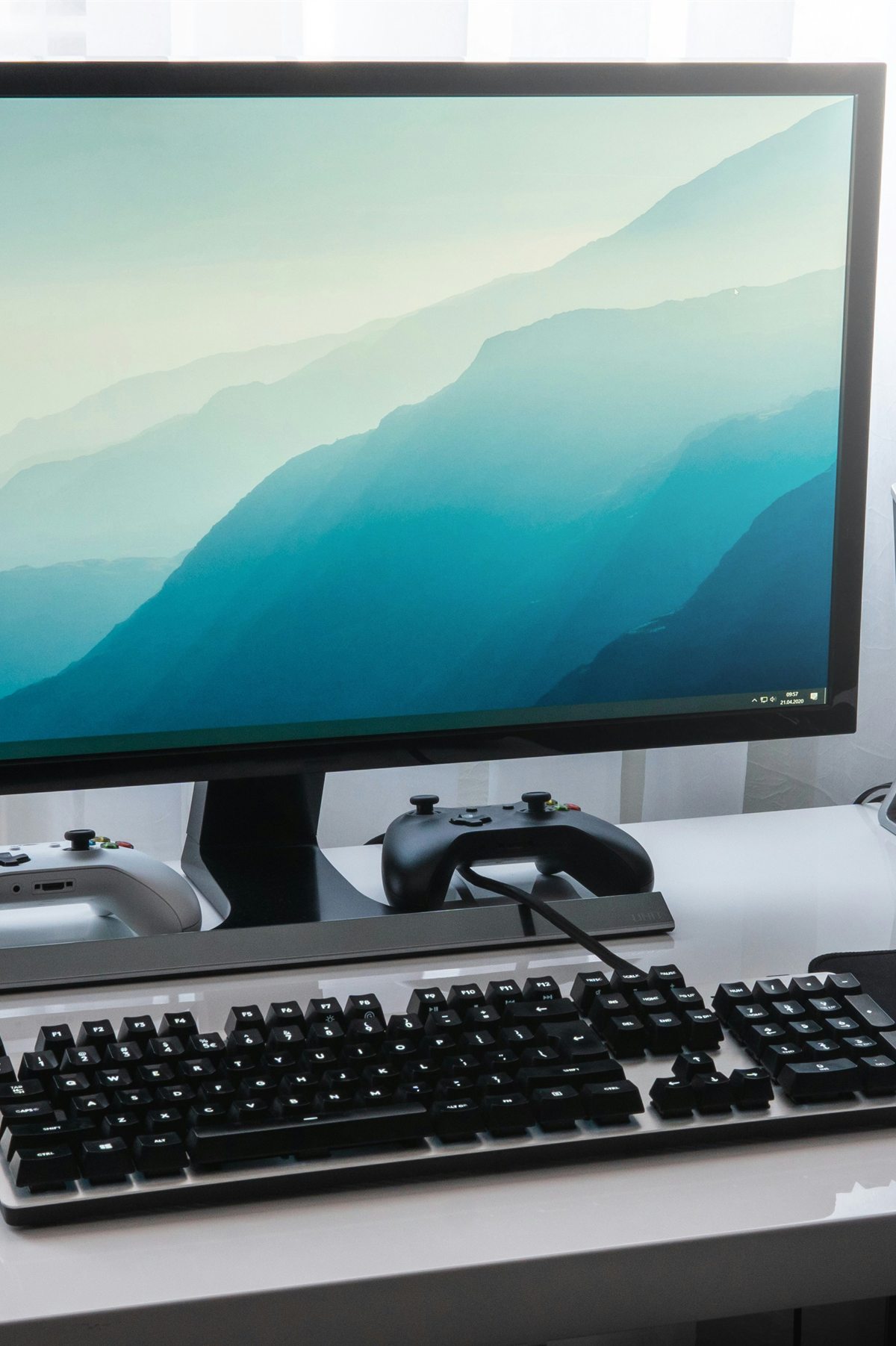
Windows desktop workstation with a monitor, keyboard, and game controllers
ESSENTIAL NEW-PC CONFIGURATION

What Our Computer Setup Service Includes

Computer setup should prepare the device around the customer's actual accounts, applications, and everyday requirements. Each item remains subject to the computer's compatibility, licensing, connectivity, and available setup options.

Initial Windows and Device Setup

Initial setup can cover the first-startup Windows steps, region and time settings, privacy choices, available device preferences, and other basic configuration needed to prepare the computer for use. Activation, hardware requirements, account verification, licensing, and Microsoft setup restrictions still apply and should not be bypassed.

User Account Setup

User profiles can be configured according to who will use the computer and how access should be separated. A Microsoft account or local Windows account may be appropriate depending on the device, Windows version, customer needs, and setup options available. Customers should enter their own passwords and security codes when authentication is required.

Email Account Configuration

Email access can be configured through an appropriate application or browser using settings supported by the email provider. The customer may need to approve sign-in prompts or use multi-factor authentication. Recovering a lost account or resolving a provider-side email problem is separate from configuring a working account on the new computer.

Windows and System Updates

Available Windows and relevant system updates can be reviewed to help prepare the new computer. What can be installed depends on compatibility, available storage, internet connectivity, licensing, and the current system state, so every update cannot be guaranteed to install immediately.

Security Software Setup

Setup can include configuring built-in Windows protection or another compatible security product the customer is authorized to use. Multiple real-time antivirus products can conflict rather than provide better protection. A separate paid security license is not automatically included.

Application Installation

Required applications can be installed when they are compatible and the customer has the necessary license, subscription, installer, or authorized account. Paid applications and subscriptions, including Microsoft 365, are not included unless separately arranged and confirmed.

Removing Unwanted Preinstalled Software

Manufacturer-installed applications can be reviewed to identify software the customer does not need. Removal should be selective: device drivers, recovery tools, update utilities, security components, and other software with a legitimate system function should not be treated as unnecessary by default.

Basic System Configuration and Startup Cleanup

Everyday preferences, appropriate default applications, basic accessibility or display settings, and unnecessary startup entries can be reviewed as part of preparing the new device. This is initial configuration, not a promise to diagnose every performance issue or replace a separate PC tune-up.

DESKTOP AND LAPTOP REQUIREMENTS

Setting Up a New Desktop or Laptop

New desktops and laptops share many Windows configuration steps, but their physical readiness and everyday settings can differ. The device type and its current setup stage help define the work that is appropriate.

New desktop setup

For normal local interaction, a desktop needs appropriate power, a display, and input devices such as a keyboard and mouse. Internet access is needed for some initial Windows setup flows, online account configuration, updates, and software installation, but the exact requirements depend on the Windows version, device, and requested tasks. Setup can then address user profiles, essential applications, security, and basic preferences. Monitor mounting, cable routing, custom assembly, and other physical installation work are not automatically included.

New laptop setup

Laptop configuration can account for wireless connectivity, power settings, built-in hardware, manufacturer utilities, available updates, and portable-use preferences in addition to Windows, accounts, email, security, and applications. The supplied power adapter and access to the intended network should be available when needed.

A PRACTICAL SETUP PATH

How Our Computer Setup Process Works

An available setup appointment may follow these steps, but the exact order depends on the device, requested work, account requirements, connectivity, and service method.

  1. 1

    Tell us about the new computer

    Describe whether it is a desktop or laptop, the Windows version if known, how far setup has progressed, which tasks are needed, and any message or difficulty already encountered.

  2. 2

    Determine the appropriate setup assistance

    The requested work and the condition of the computer help determine whether an available in-home appointment is suitable. Remote assistance should be considered only when offered and when the device is functional enough for a support session.

  3. 3

    Configure the computer

    Applicable setup work can include Windows choices, user profiles, email, updates, security configuration, legitimate applications, preinstalled-software review, and basic settings. Customer authorization or sign-in may be required during the work.

  4. 4

    Check the essential setup items

    Relevant configuration can be reviewed to identify anything that still requires a customer decision, account verification, valid license, update, stronger internet connection, or a separate service.

CHOOSE AN AVAILABLE SUPPORT METHOD

In-Home Computer Setup and Available Support Options

Requests are accepted from customers throughout the United States, subject to setup suitability, support-method availability, and location.

Profix Squad offers in-home technician visits for new desktop and laptop setup, subject to local service availability. Ask about coverage in your area rather than assuming that an in-home appointment is available in every city or state.

In-home computer setup

Physical assistance can be useful when the computer is still at its first-startup screens, internet access is not configured, the customer needs help making setup choices, or the device is not ready for a remote session. The agreed appointment scope should be confirmed before assuming that peripheral, network, or desk installation is included.

Available only where local in-home service is offered.

Remote setup assistance

Remote assistance may be technically suitable only after the computer can start, connect reliably to the internet, and participate in a support session. Remote new-computer setup availability can vary, so customers should ask whether remote assistance is currently offered for their device and location.

Availability and technical suitability must be confirmed.

Tell us how far setup has progressed and which support method you want to check.

Describe Your Setup Needs
PREPARE THE DEVICE AND ACCOUNT ACCESS

What to Have Ready Before Computer Setup

Having the device, connectivity, account access, and software information ready can prevent avoidable delays. You may need to participate when a provider requests a password, one-time code, account approval, license acceptance, or another personal decision.

Do not submit passwords, recovery keys, or one-time security codes through the ordinary enquiry form. Enter sensitive information only through the appropriate account provider or secure sign-in flow when it is required during configuration.

KEEP ADDITIONAL WORK CLEAR

What's Not Automatically Included in a New Computer Setup?

Initial computer setup is focused on preparing and configuring the new device. It does not automatically include every task involved in replacing an old computer or resolving a faulty one. Additional work may need to be confirmed separately or handled through the appropriate service.

Moving personal files may require data transfer and backup help. A malfunctioning new computer may need broader computer repair or Windows repair before setup can continue.

ESTIMATE THE REQUESTED CONFIGURATION

Computer Setup Cost and Service Time

Cost and required time can vary with the device type, initial condition, operating-system readiness, account needs, number and type of applications, update requirements, internet availability, additional work, service method, and local availability.

Describe whether the device is new or partially configured, which accounts and applications are needed, and any setup problem already encountered. Those details help define the likely work without promising a fixed price, appointment time, or completion time before the request is reviewed.

Request a Setup Estimate
PRACTICAL HELP FOR A NEW COMPUTER

Why Choose Profix Squad?

Appropriate setup help can reduce missed updates, conflicting security software, unnecessary startup items, and account or licensing surprises while preparing the computer around the customer's actual needs. Profix Squad keeps initial configuration clear and identifies tasks that need separate arrangements.

A practical starting configuration

Windows, user accounts, email, authorized applications, security software, updates, and basic settings are configured around the new desktop or laptop and how it will be used.

Careful account participation

Customers keep control of passwords and verification codes while completing legitimate sign-in steps required for account and email setup.

Selective software decisions

Unwanted preinstalled programs and startup items are reviewed selectively so useful drivers, security components, and manufacturer utilities are not removed without a reason.

Clear options for the remaining work

In-home technician visits are available where offered locally, and data transfer, hardware repair, licensing, or other additional work can be identified for separate confirmation.

DIRECT ANSWERS

Frequently Asked Questions About Computer Setup

These answers explain the standard setup scope, in-home availability, account and licensing requirements, and when another service may be needed.

Computer setup can include initial Windows and device configuration, user accounts, email access, Windows and system updates, compatible security software, legitimate application installation, selective removal of unwanted preinstalled programs, and basic system or startup settings. The exact work depends on the device and the customer’s requirements.

Yes. Profix Squad provides setup assistance for new Windows laptops as well as desktop computers. Laptop setup can include the applicable account, email, update, security, application, and basic preference configuration needed to prepare the device for use.

Yes. Profix Squad offers in-home technician visits for new desktop and laptop setup, subject to local service availability. Submit an enquiry with your location and setup needs to confirm whether an in-home option is available in your area.

Remote assistance may be technically possible after the computer can start, connect to the internet, and participate in a support session. Remote new-computer setup availability can vary, so ask which support method is currently available for your device and location.

Yes. The setup service can include Windows user profiles and configuration of a working email account. Enter your own passwords only into legitimate secure sign-in screens, and enter one-time verification codes yourself through the account provider’s legitimate authentication flow. Never send passwords, recovery keys, or verification codes through an ordinary enquiry form or message, and never disclose authentication codes to a technician.

Not automatically. Personal files may be copied separately, and compatible account or browser data may sometimes sync or migrate through supported tools. Applications usually need to be reinstalled on the new computer, while accounts may require credentials to be entered again and paid software may need license activation. Saved passwords are not guaranteed to transfer. Describe what needs to move so the appropriate data-transfer or backup work can be confirmed.

You are responsible for the valid licenses, subscriptions, installers, or authorized accounts required by paid software unless another arrangement is explicitly confirmed. Computer setup does not automatically include Microsoft 365, antivirus subscriptions, or other third-party software purchases.

Cost depends on the device, its initial condition, operating-system readiness, account and application requirements, updates, internet availability, requested additional work, service method, and local availability. Share those details to request an estimate; no fixed price or completion time applies to every setup.

TELL US WHAT THE NEW COMPUTER NEEDS

Request Computer Setup Assistance

Tell us whether you have a desktop or laptop, whether it is new or partially configured, which setup tasks you need, whether it can connect to the internet, and whether you want to enquire about in-home availability. Do not include passwords or one-time security codes.